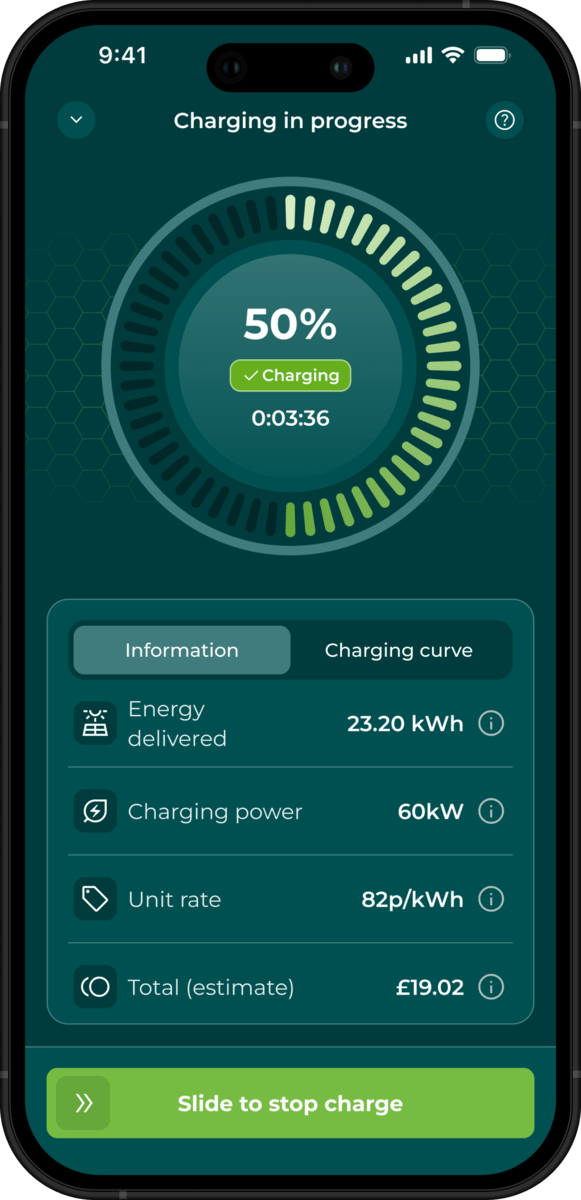
How to stop charging your electric car
Charging an electric car is pretty straightforward and just like charging your mobile phone or laptop. Plug in and wait. In the time it takes to listen to your favourite podcast or grab a coffee, you’ll have gained enough charge to set off on your journey.
So how do you stop your car from charging when you’re ready to go? And what are some of the common issues you might face?
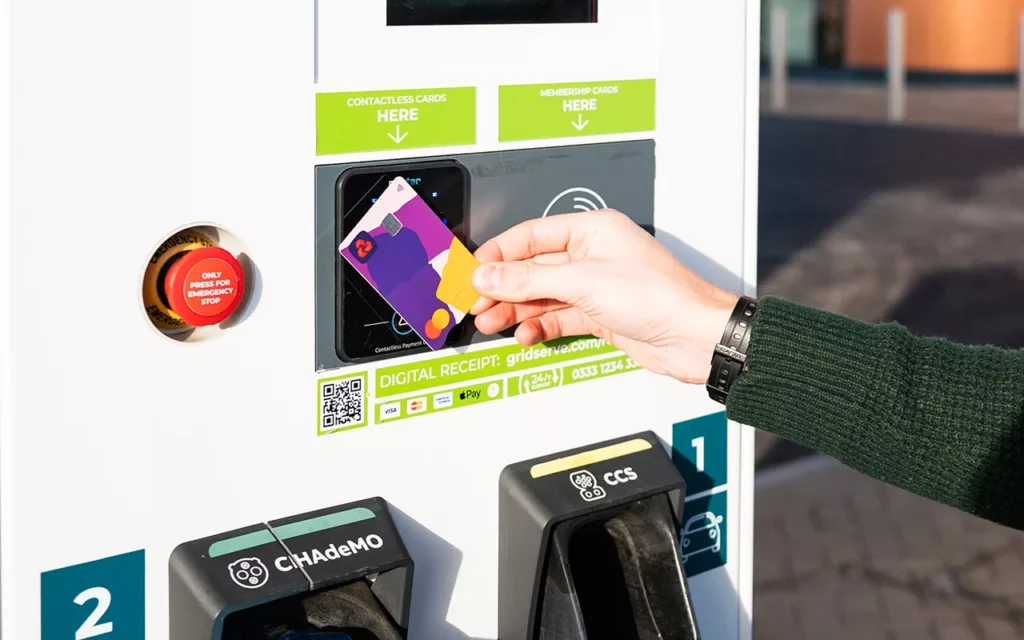
On the GRIDSERVE Electric Highway, you have a few different options on how to stop your charging session from tapping your contactless card on our chargers or using your car’s built-in system – either the infotainment screen or a manufacturer app.
It’s important to follow the right process, especially if you’re at one of our Medium Power EV chargers at a Motorway Service Area, which have the ability to charge two cars simultaneously – known as dual charging. If you do it wrong you could find yourself inadvertently stopping a fellow EV driver’s charge.
And remember, never try manually yanking your charger out of your car if it’s still locked in place – it would be like trying to force open a door that’s locked. You’ll damage both the charging cable and the charging system on your car.
Stopping via a charging unit
We’ve equipped all GRIDSERVE EV chargers with contactless payment capability and zero membership sign up for seamless charging.
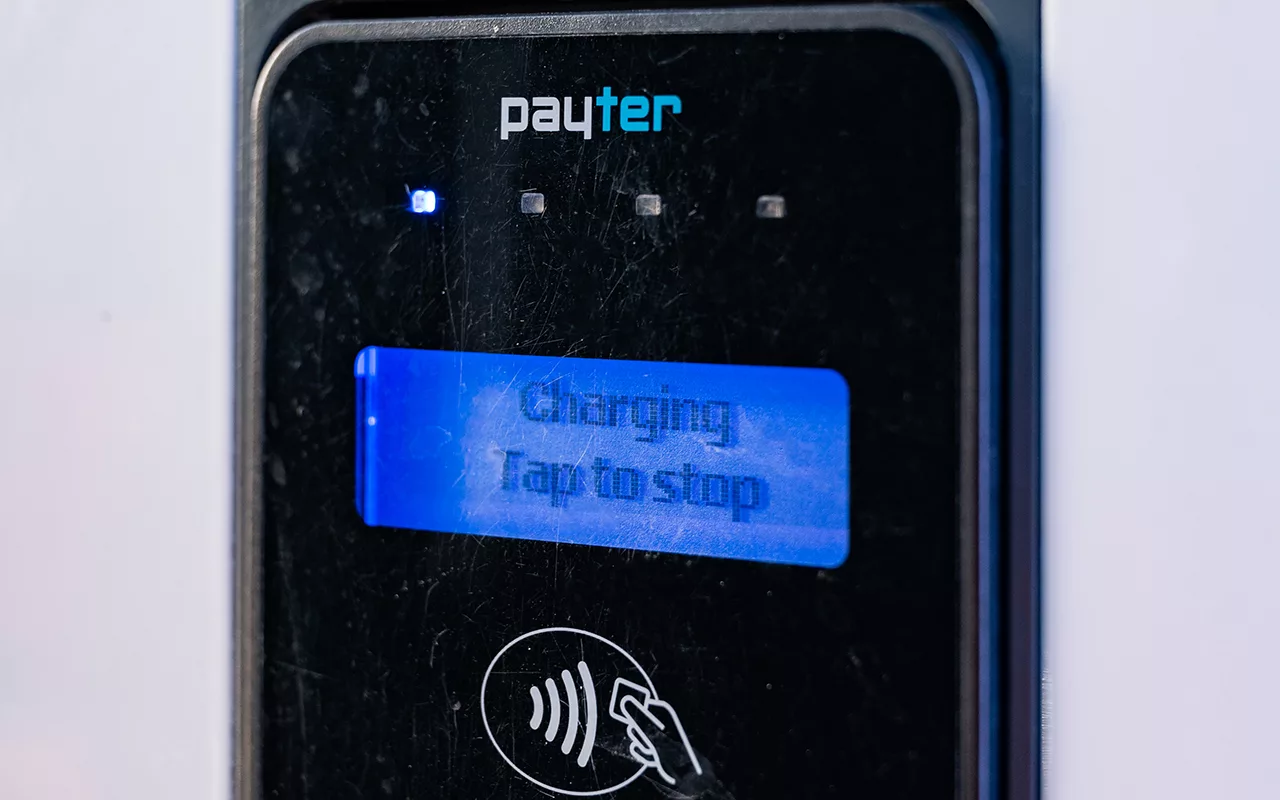
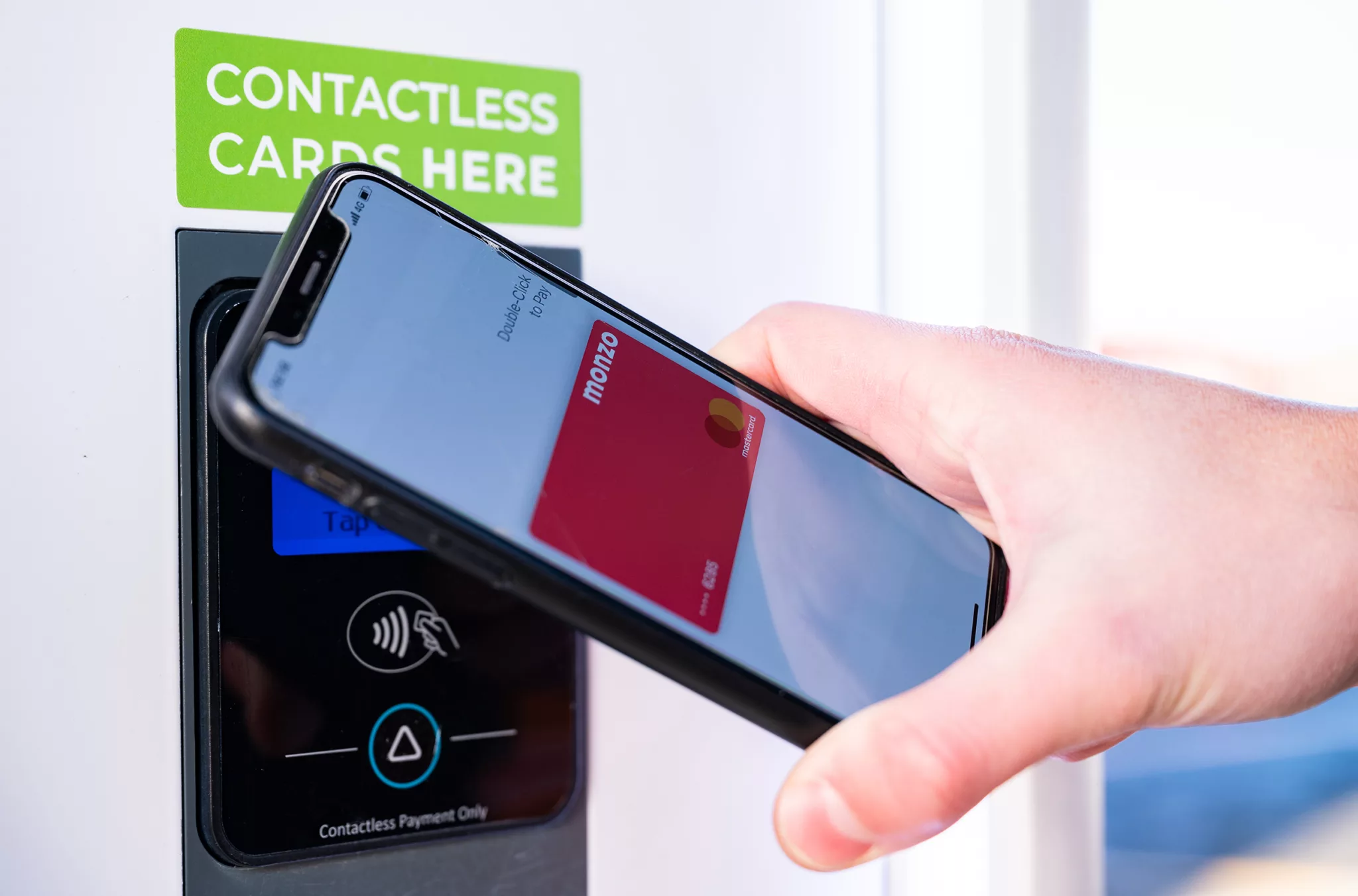
You’ll have tapped your contactless card or smartphone to start your charge on the black Payter card reader, and all you need to do is tap it again to stop the charge. We call this ‘Tap to Stop’ (original we know, but why make it more complicated than it needs to be?).
It’s easy and simple, and what’s even better is that the Payter card reader will display how much you’ve been charged for the session.
Tap to Stop is the best way to end a session if you’re dual charging, too. Our system knows which card you used to start your charge so by tapping the same one, you’re not at risk of accidentally stopping the other vehicle charging.
You’ll also see the option to stop charging via the on-screen button. If you’re dual charging, make sure you’ve selected your connector on the left-hand side of the screen before pressing this. If not, then you might accidentally stop the wrong session and upset your dual charging buddy. The safest way to avoid this is with Tap to Stop.
Once you’ve tapped your contactless card, wait for the connector to release from your car’s socket (you’ll normally see the light next to it change colour and hear a clunk) and return it to the holster on the charging unit for the next person.
Stopping a charge that’s on auto vend
At times, we place our chargers on auto vend (that means they’re dispensing energy for free). This might be because we’re dealing with software updates or issues but don’t want to take a charger offline and prevent any EV drivers from topping up.
As you’ve not tapped your card to start the charge, you won’t be able to Tap to Stop. In this case you should use your car to stop the charge.
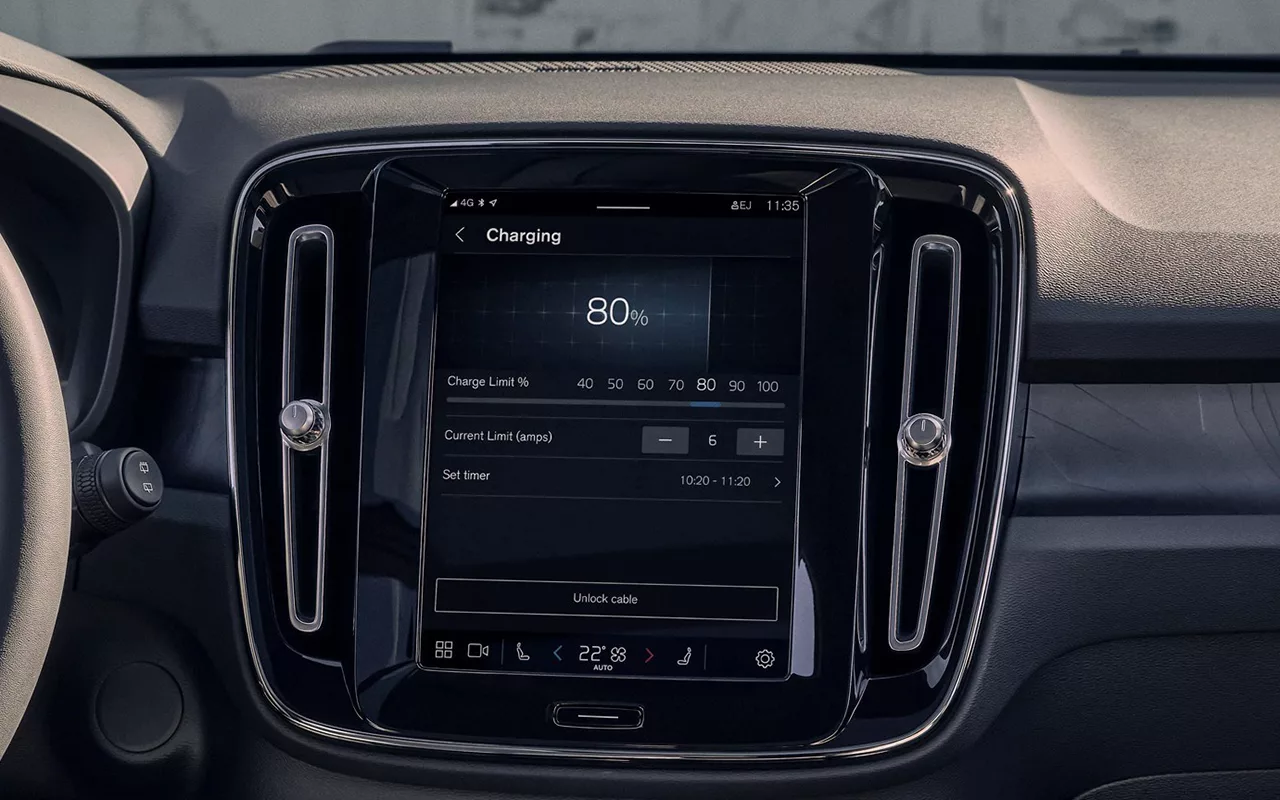
Using my car to stop a charge
All vehicles have their own systems in place to stop a charge, whether it’s holding the unlock button on the key fob, navigating to the charging menu on the in-car infotainment system or using the vehicle app.
Most popular models, such as those from Audi, Kia, Hyundai and Peugeot can stop a charging session by pressing the unlock button on the key fob. You’ve then got a short period of time to remove the charging cable before the car will lock itself again.
If you’ve got a Volvo, then charging can be stopped at any time by pressing the button next to the charging socket or tapping the button in the centre display. For both Tesla and Volkswagen, you can stop charging via the in-car infotainment system.
Help is at hand
You’ll also need to follow this process if you experience any issues with the charger while plugged in. For example, if someone hits the emergency stop button or the screen fails, and you can’t stop the charge on the unit or your charger gets stuck in your car.
Faults like this are rare but we know they can happen. If you need support then contact us 24/7 on 0333 1234 333, quoting the charger ID number on the side of the unit.
Is my battery at risk of overcharging?
The simple answer is no. Don’t worry if you’re stuck plugged in; your car won’t overdose on energy. Leaving your car connected, even when it reaches 100%, doesn’t mean it’ll continue trying to pump electricity into your battery.
All EVs have clever built-in battery management systems which prevent overcharging. It’s why charging takes longer from 80 to 100% and it’s the same technology that means if you do hit 100%, then the system will revert to trickle charging to protect itself.